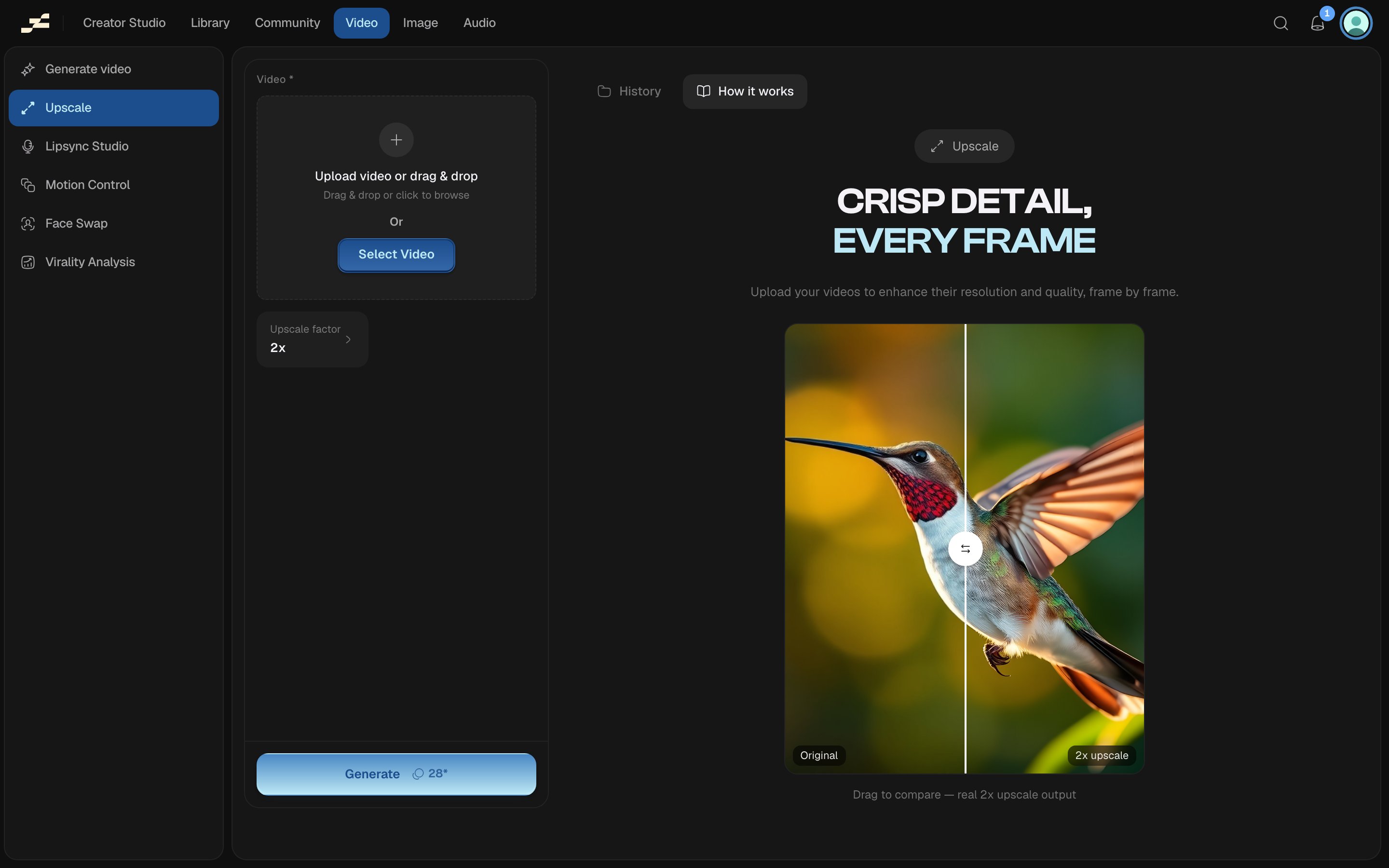
Upscale enlarges an existing video clip 2x or 4x, sharpening every frame. Use it when you need a higher-resolution export fast, without a canvas project behind it.
Where to find it
Open /video/upscaler-video directly, press ⌘ K and search “Upscale”, or find it in the Video area of the left sidebar.
What you need
What it costs
28 credits per second at the 1080p-output rate: above 1080p costs more. The rate scales with your output resolution: an output at 720p or below bills at half this rate, up to 1080p bills at the standard rate, and above 1080p bills at 4x. Flowy shows a live estimate in the panel before you run. The backend’s pricing is always authoritative.
Last modified on August 29, 2026