

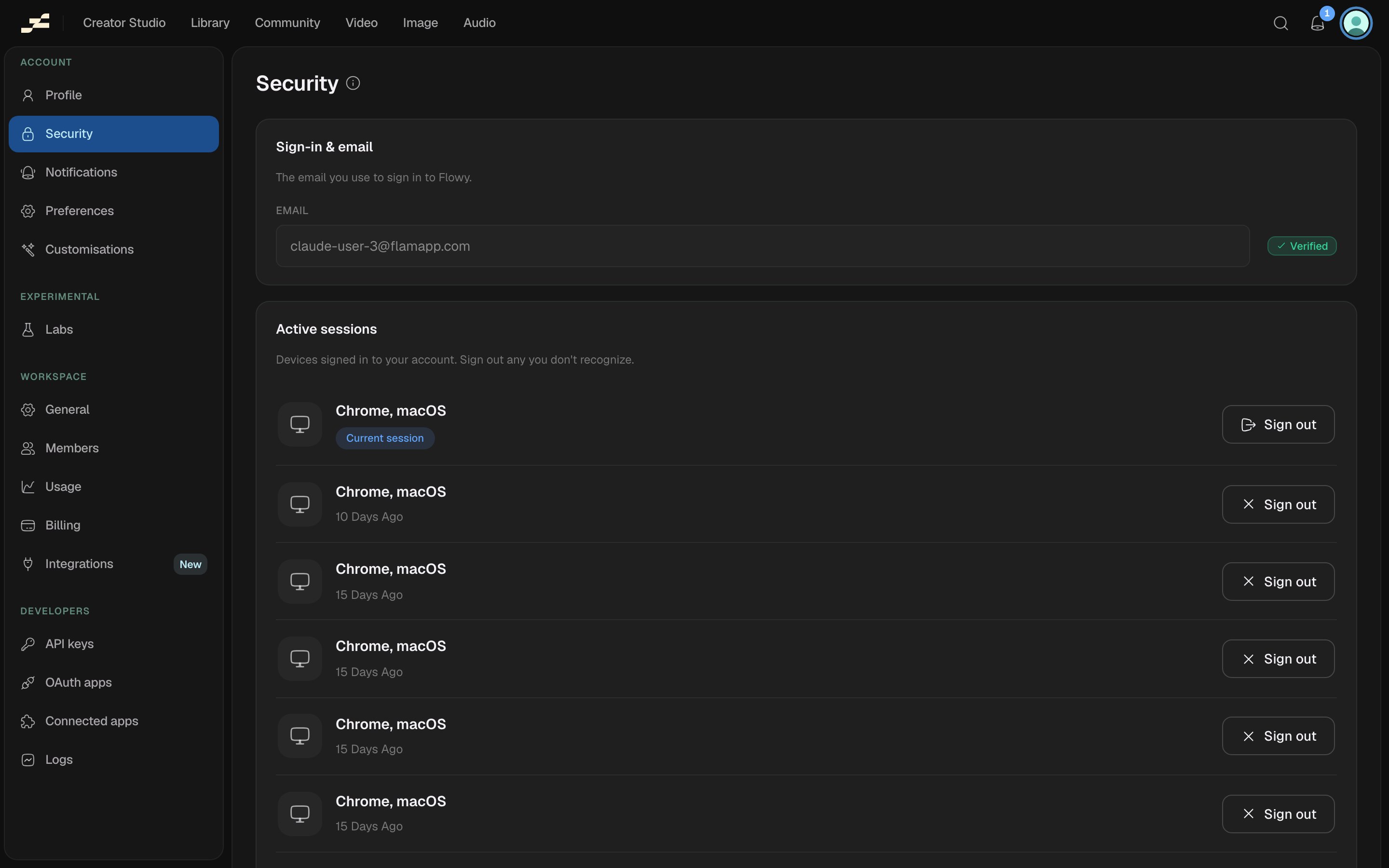
Sign-in & email
Shows the email you sign in with, along with a Verified badge once it’s confirmed.Active sessions
Every device currently signed in to your account, with a device icon, its label, and when it was last active.- The device you’re using now is marked Current session.
- Every other device shows Sign out to end that session immediately.
- Signing out your current device signs you out of Flowy entirely, right away.
- Sign out of all other devices ends every session except the one you’re using, in one action.