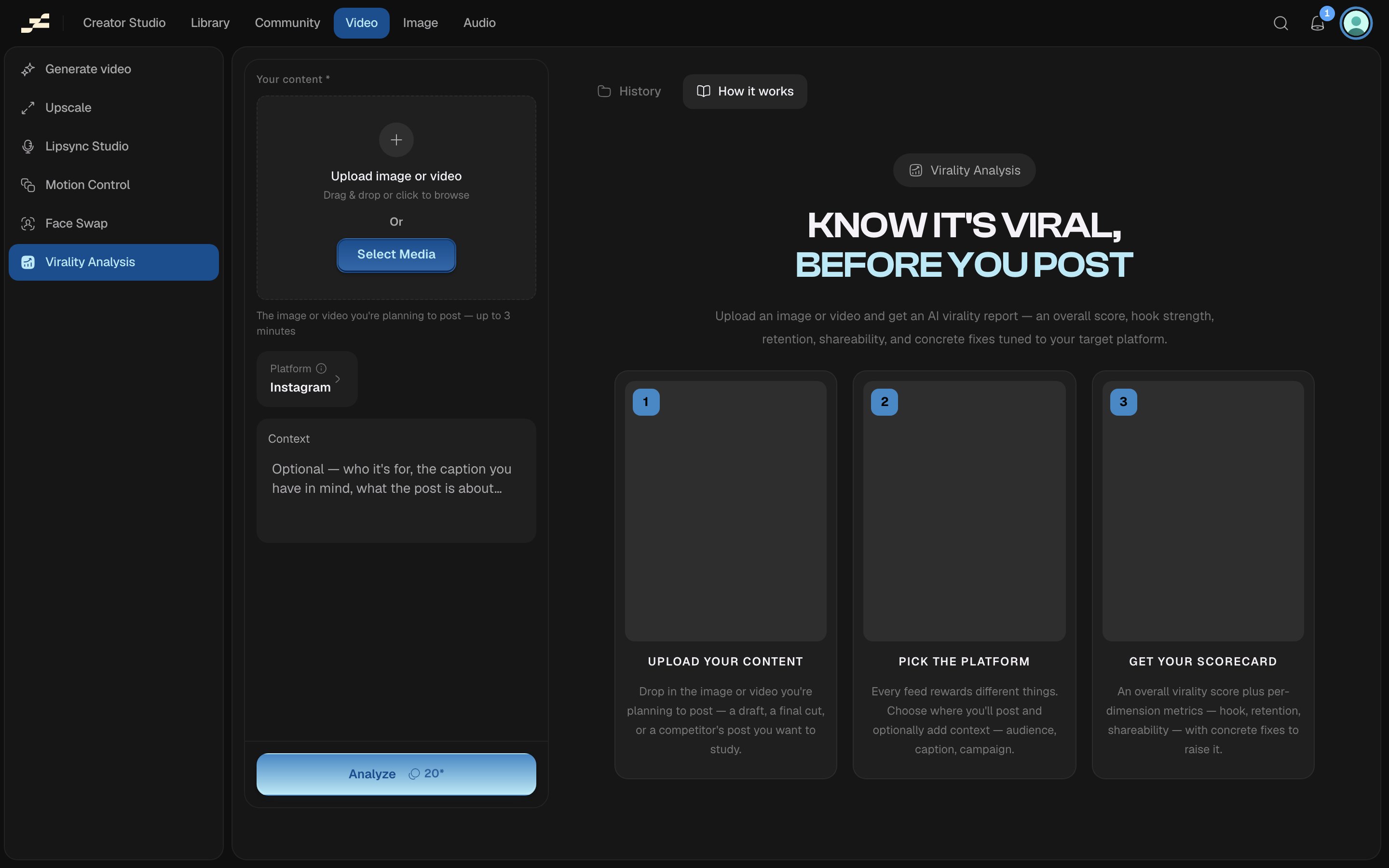
Virality Analysis reads a photo or video you’re about to post and returns a scorecard: an overall score plus concrete fixes tuned to the platform you’ll post on. It’s the only tool in this section that returns a report instead of new media.
Virality analysis

Where to find it

Open /video/virality-analysis directly, press K and search “Virality Analysis”, or find it in the Video or Image area of the left sidebar: the tool covers both image and video content, so it’s reachable from either.

What you need

The scorecard

A run settles into a report, not a downloadable file. It carries:
  • Score: an overall number out of 100.
  • Grade: a short label for that score (for example, “High potential”).
  • Summary: a few sentences on why it scored the way it did.
  • Metrics. Five scored dimensions, each with a short note: Hook strength, Retention, Shareability, Message clarity, and Platform fit.
  • Strengths: a short list of what’s already working.
  • Improvements: a short list of concrete fixes.
For example, a talking-head clip analyzed for Instagram might score 74 (“High potential”), with a strong Hook strength (86, a face and direct address in the first second) pulled down by weaker Shareability (61, nothing explicitly invites a share or tag), alongside improvements like tightening the pacing and adding a closing prompt.

What it costs

20 credits per run. This figure is an estimate. Flowy shows a live estimate in the panel before you run. The backend’s pricing is always authoritative.
Last modified on August 29, 2026