

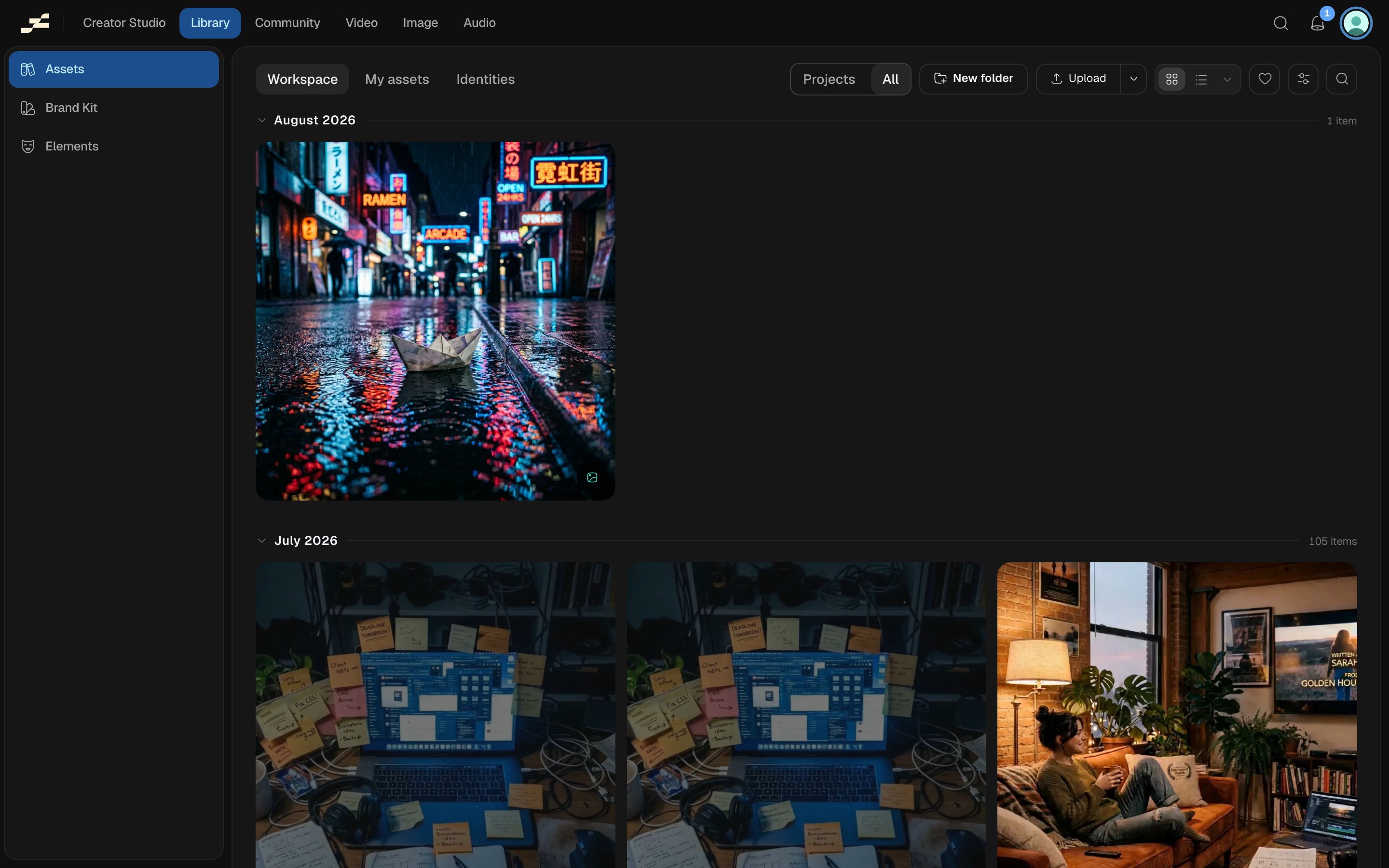
Assets organised into folders
Create and nest folders
Select New folder to add one inside whatever folder you’re currently viewing, at the workspace root, or inside another folder to nest it. Name it inline; Flowy checks the name against its siblings as you type and flags a duplicate rather than letting two folders in the same place share a name. Double-click a folder to open it, and use the breadcrumb at the top to step back out. There’s no depth limit: nest folders inside folders as deeply as your organization needs.Move assets and folders
Move things into a different folder two ways:- Drag and drop an asset or folder card straight onto a destination folder.
- Select one or more items and open Move to folder from the context menu, which shows your folder tree so you can navigate to and pick a destination (including back to the workspace root).