Restore a deleted project or clear it from your view, and manage several at once.
Deleted projects go to Trash, a tab alongside All projects, My projects, and Shared at /creator-studio/projects/all?tab=trash. Moving a project there is a soft delete. It just leaves the main views, and a trashed project can’t be opened into the editor until it’s restored.
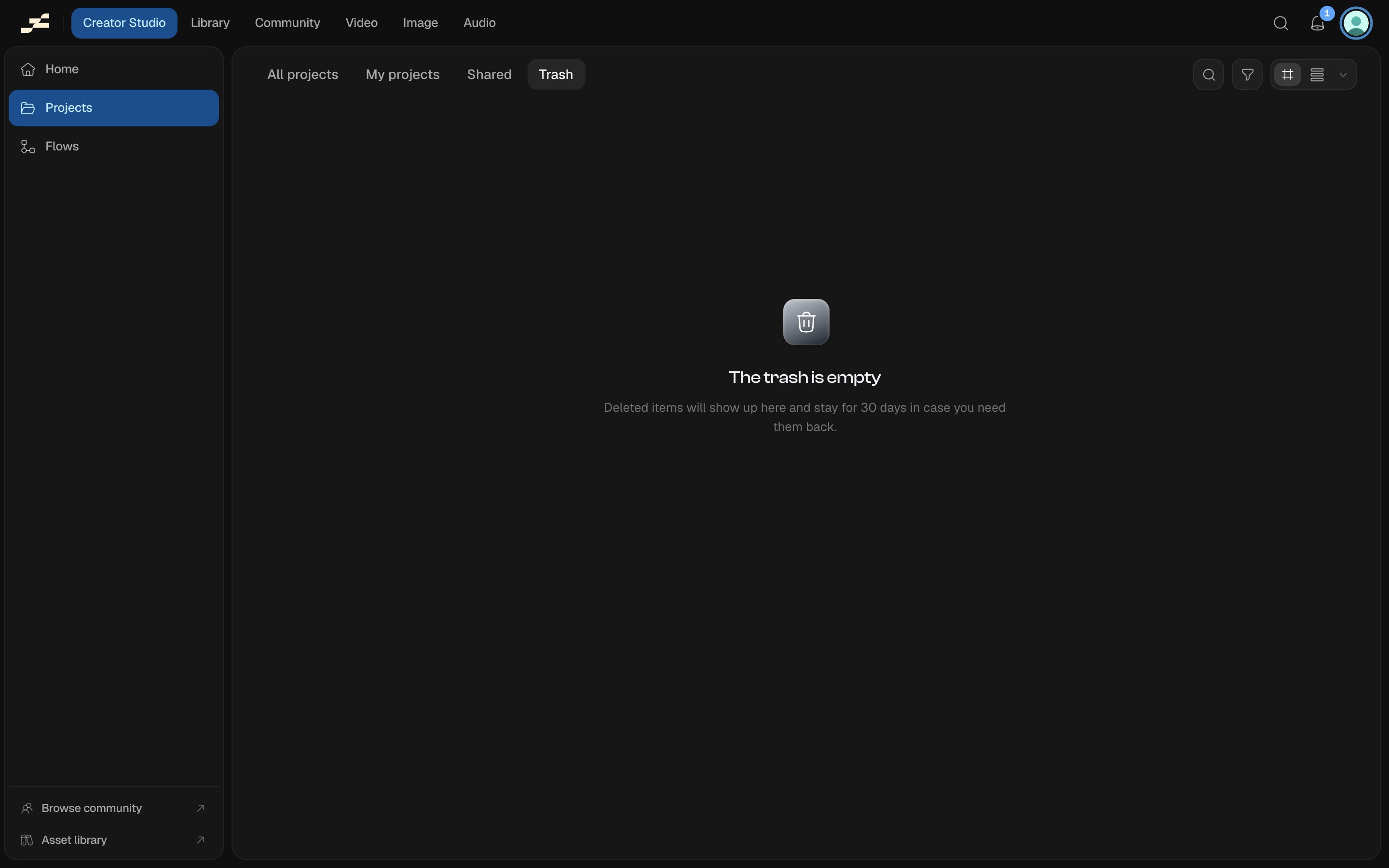
Deleted projects, waiting to be restored or cleared
Workspace viewers can’t open Trash at all. The tab is locked for that role. Managing a project’s trash lifecycle (moving it to Trash, restoring it, or removing it from Trash) is limited to the project’s own owner or the workspace owner; other members can’t act on a project they don’t own.
Open a trashed project’s card menu and choose Restore, or select several cards and use Restore in the bulk action bar at the bottom of the screen. Either way, you get a few seconds to Undo before the restore actually goes through.
Delete permanently, available the same two ways, removes the project from your Trash view for good. If the project is shared, this only affects your own view of it: the project itself isn’t destroyed, so a collaborator who still has access to it keeps seeing it in their own Trash and can still restore it from there. Like restoring, this action gives you a few seconds to undo before it commits.
Select more than one trashed project to bring up the bulk action bar: Select all to grab everything currently in view, then Restore or Delete permanently across the whole selection.