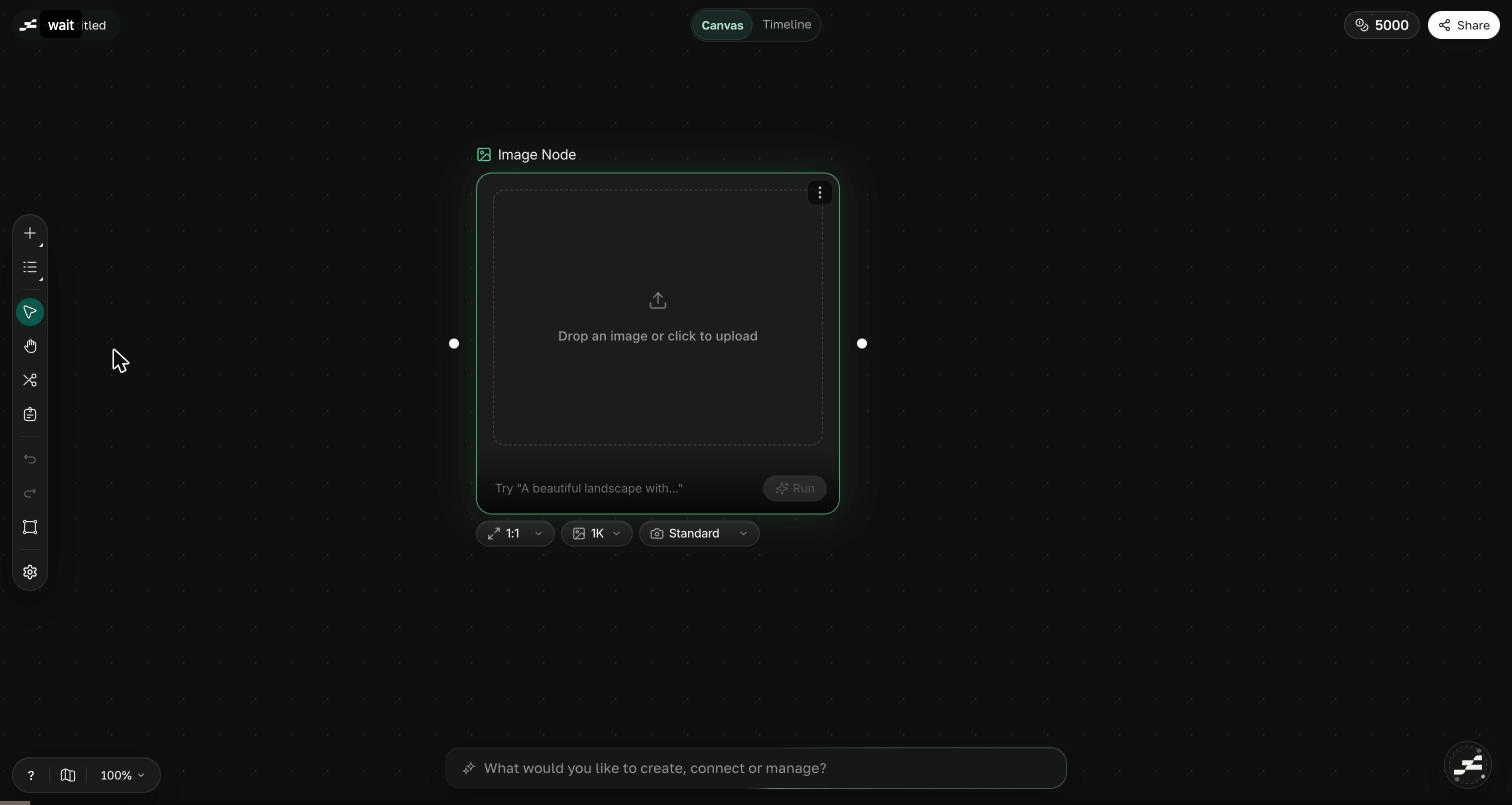
Flowy is built around one connected canvas where every idea is a node you can generate, connect, and refine. Once you understand a few core ideas, the rest of Flowy clicks into place. This page walks you through them.

The infinite canvas

The canvas is your primary workspace, and it never runs out of room. You work at the speed of thought here: ideate, iterate, and refine without leaving the page. Drop in prompts, pan across your ideas, and zoom out to see the whole story at once.
Flowy canvas with several connected nodes

Nodes and connections

A node is the basic unit of the canvas. It is either a piece of content, like Text, Image, Video, or Audio, or a generator that produces new content from a prompt. You connect a node’s output into another node’s input to pass results forward, so one image can feed a video, and that video can feed a composition. When you want to explore options, add a Router to fan out into variations and fan them back in. Use a Group to organize related nodes, and drop a Sticky note to annotate your thinking.
Connections are how context flows. Wire nodes together and each step builds on the last.

Canvas vs Studio

Flowy has two editors that work together. Canvas is the node graph where you generate assets and branch through ideas. Studio is the timeline editor where you compose those assets into a finished, exportable video. You switch between them anytime with the mode-switch pill. A composition you create on the canvas opens directly in Studio, so your work stays in continuity from frame to film.

Generations and credits

Generating content consumes credits from your wallet. The lifecycle is simple: credits are first reserved when a generation starts, then deducted on success, or refunded automatically if it fails. New accounts start with free credits so you can explore right away.
You never lose credits for a failed generation. Refunds happen automatically. See Credits for the full picture.

Workspaces and projects

A workspace holds your projects and your team members. A project lives inside a workspace and holds your canvas. You can create or switch workspaces, invite people, and keep related work together in one place.

Where to next

Canvas overview

Learn the node graph and how to navigate it.

Studio overview

Compose your assets into a finished video.

Generators overview

See everything Flowy can generate.

Credits

Understand the credit wallet and billing.