

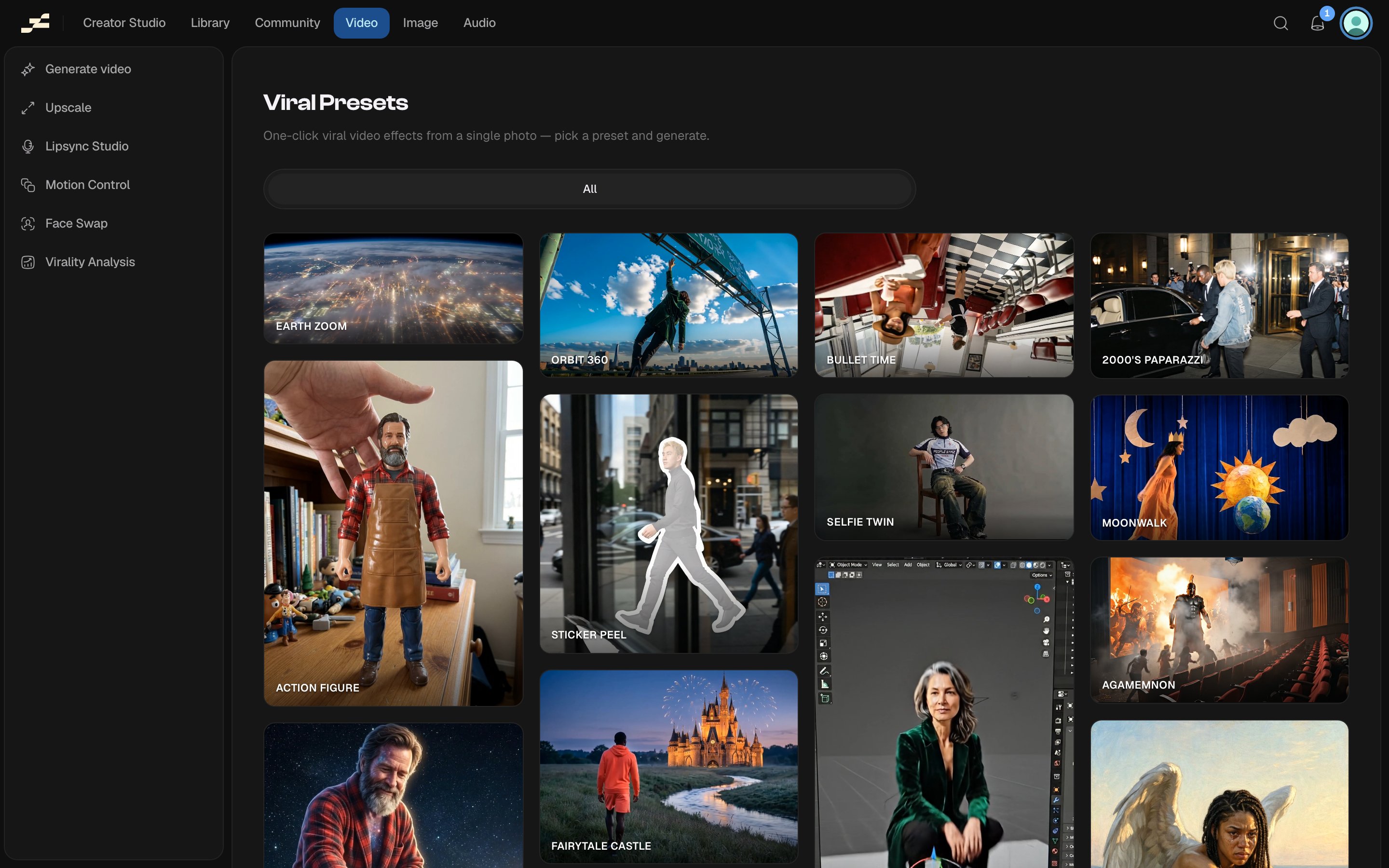
Where to find it
Browse the catalog at /video/viral-presets. Picking a preset opens the same tool at /video/viral-presets/generate with that preset pre-selected. Every preset also has its own public example page at /video/viral-presets/examples/:slug. You can also press ⌘ K and search “Viral Presets”, or find it in the Video area of the left sidebar.What you need
The 7 categories
Camera moves, Transformations, Character, Rides, Cinematic, Fantasy, and Art styles.Preset catalog
Credits and duration are display figures. The backend’s own pricing is authoritative for the actual run.What it costs
Credits vary by preset, from 525 to 1,680, depending on which model and duration the preset uses (see the table above). Flowy shows a live estimate in the panel before you run. The backend’s pricing is always authoritative.Tips
- Preset slugs are a frozen backend contract. They don’t change even as new presets are added.
- Every preset already fixes its own model, motion, and duration. Some presets hide the Resolution and Aspect ratio controls entirely because their underlying model derives them from your image instead; others restrict Resolution to a narrower ladder. The panel only ever shows the controls that preset actually uses.