

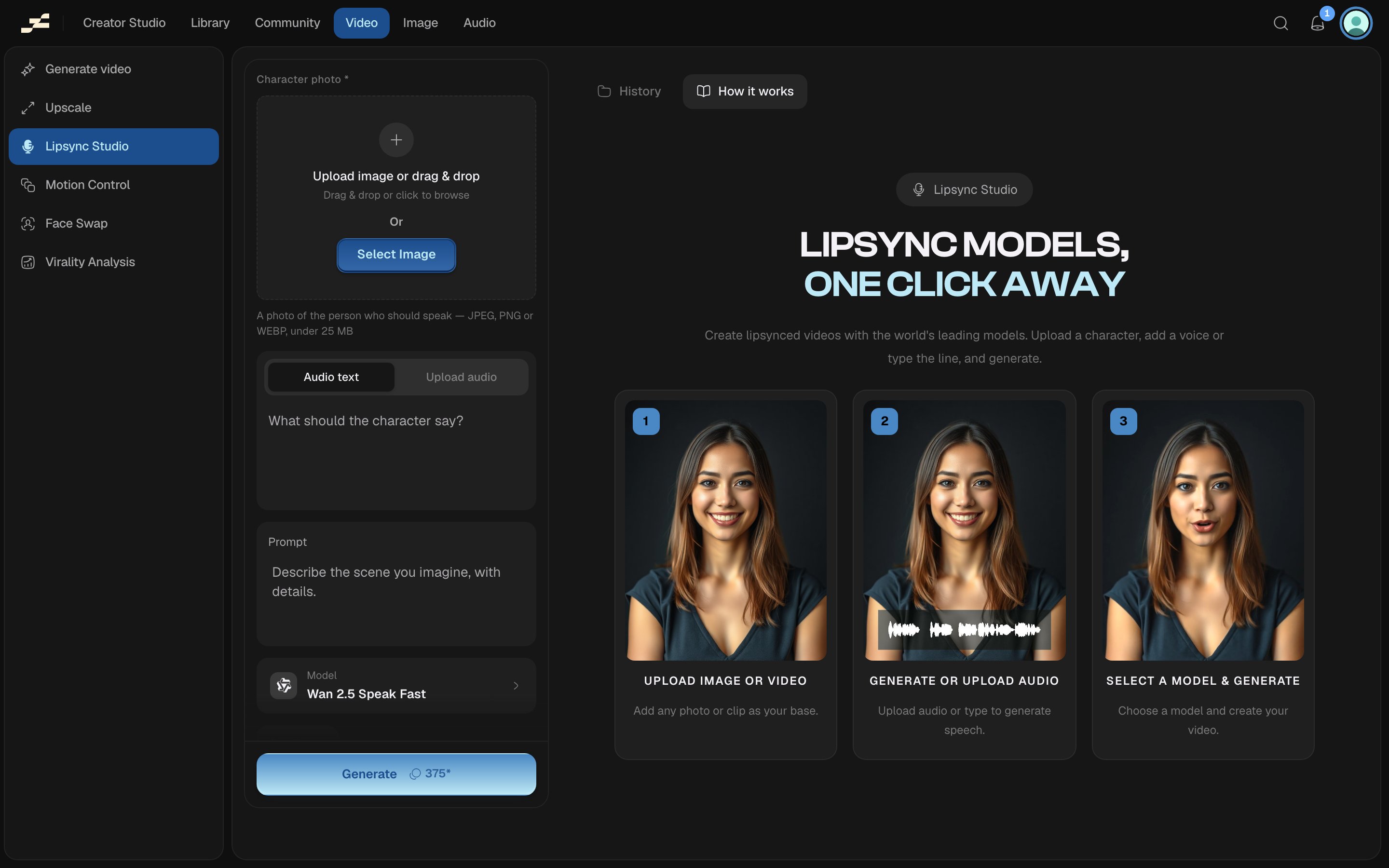
Where to find it
Open /video/lipsync-studio directly, press ⌘ K and search “Lipsync Studio”, or find it in the Video area of the left sidebar.What you need
The panel adapts to the model you pick: some models start from a photo, others re-sync an existing clip.Models
What it costs
Billed per second of the final video, at the selected model’s own rate (21–520 credits/second; see the table above). A model with a resolution ladder bills higher tiers at up to 2x and lower tiers at half. Flowy shows a live estimate in the panel before you run. The backend’s pricing is always authoritative.Tips
- Match your upload to the model: Kling 2.6 Lipsync and both Veo 3 models only ever read your typed script. They have no audio input. Wan 2.5 Speak takes either text or audio. Kling Avatars 2.0 and InfiniteTalk require an uploaded audio track. Kling LipSync, Sync Lipsync 3, VEED Lipsync 2, and LatentSync re-sync an existing video’s lips to an uploaded audio track instead of starting from a photo.
- Switching models changes which inputs appear: the panel adapts around your choice.