

Where to find it
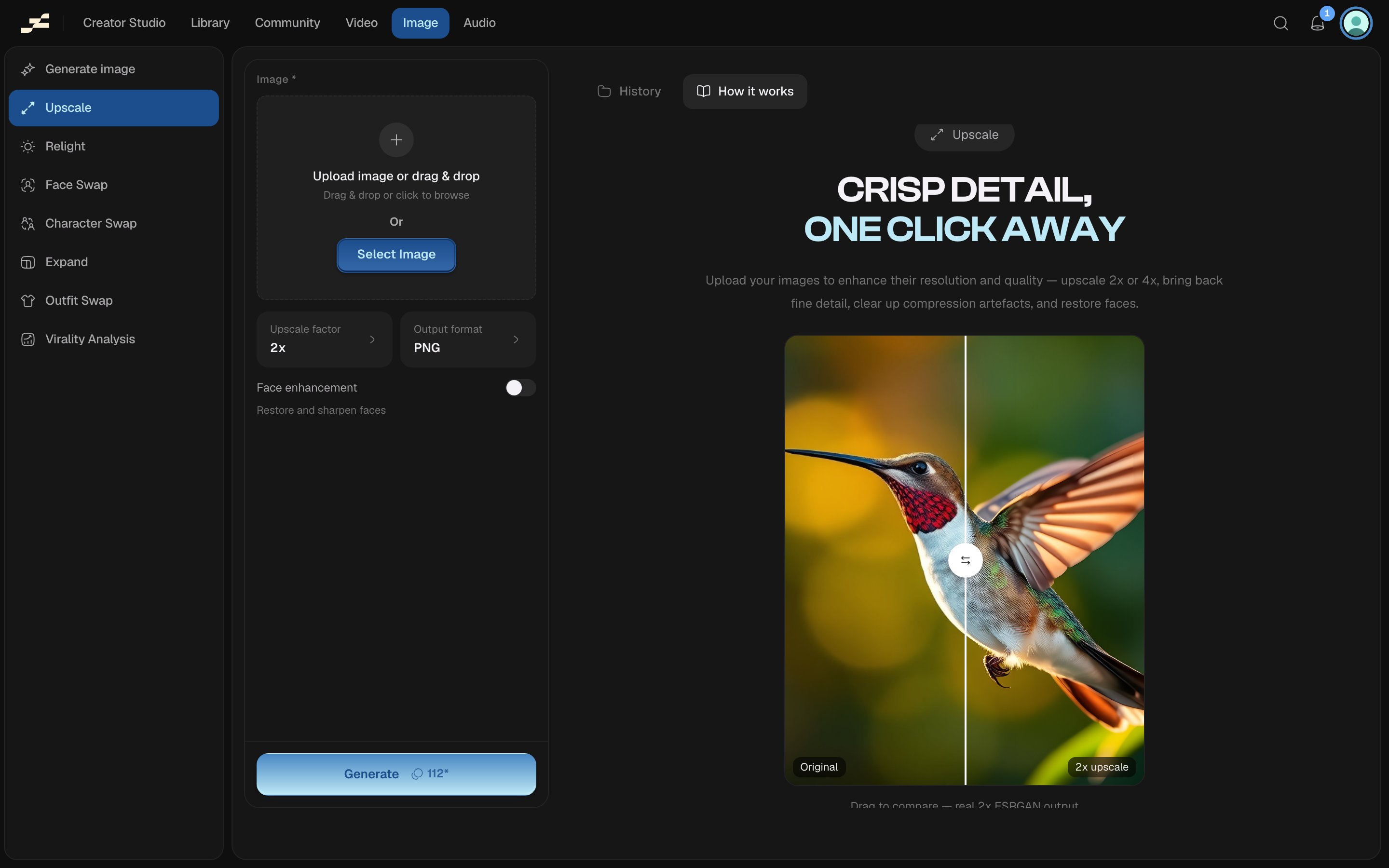
Open /image/upscaler directly, press ⌘ K and search “Upscale”, or find it in the Image area of the left sidebar.What you need
What it costs
112 credits per 24MP, billed on output size, not the size of what you upload. Because billing is measured in 24-megapixel blocks, a small photo upscaled 2x or 4x can land in the same block and cost the same either way. Flowy shows a live estimate in the panel before you run. The backend’s pricing is always authoritative.Tips
- Billing follows the output megapixels, so upscaling a larger source image at 4x costs more blocks than the same image at 2x.
- Turn on Face enhancement only when a face is the focus of the shot. It changes the result.
Related
- Upscale Video
- Canvas Upscale tool: the node-based version for images already on your canvas.
- Relight