

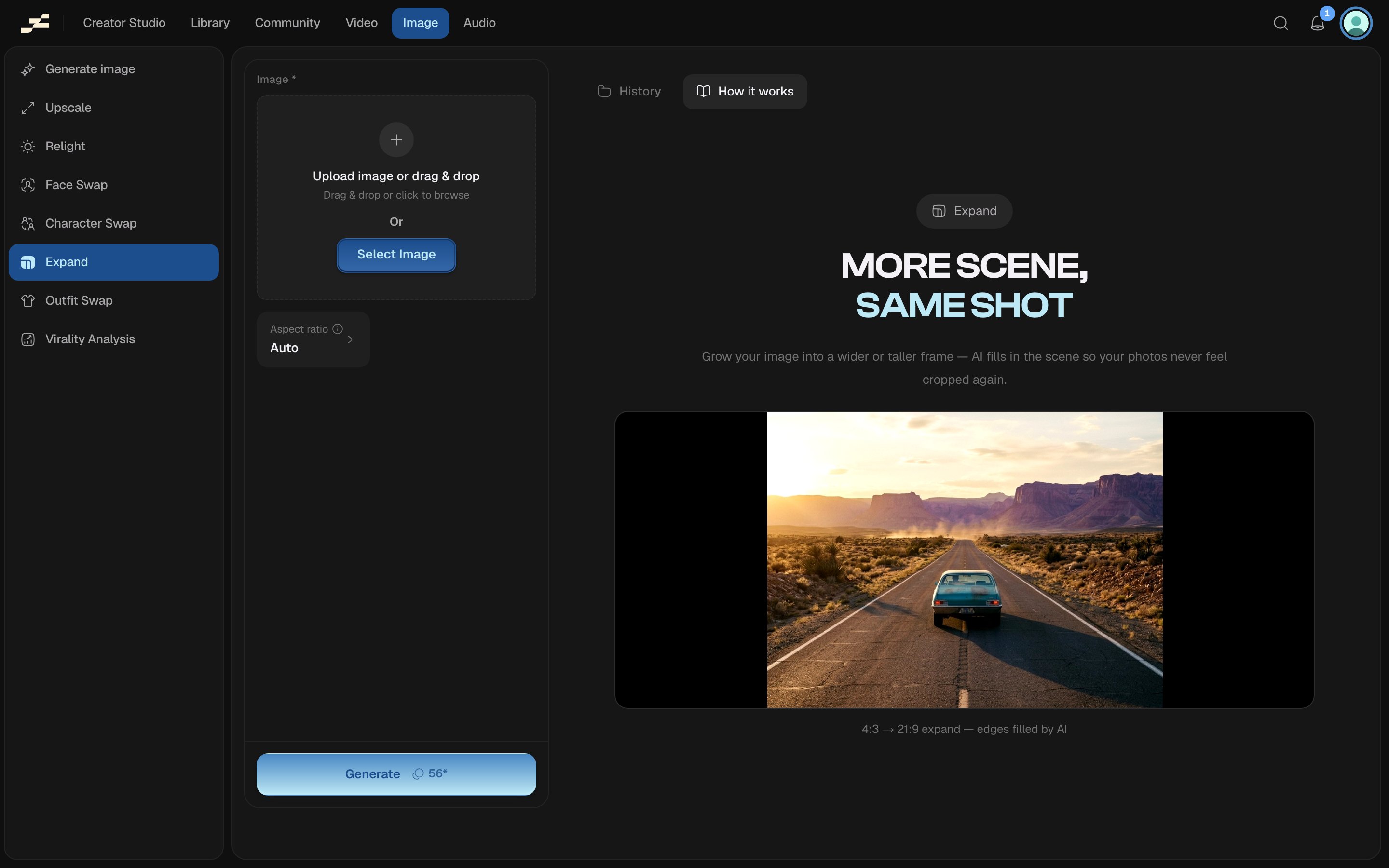
Where to find it
Open /image/expand directly, press ⌘ K and search “Expand”, or find it in the Image area of the left sidebar.What you need
What it costs
56 credits per run. This figure is an estimate. Flowy shows a live estimate in the panel before you run. The backend’s pricing is always authoritative.Tips
- Expand runs on Flowy’s dedicated image-expansion backend op: a separate pipeline from the canvas’s node-based Outpaint tool, which lets you drag expansion handles directly on a canvas node. Reach for Expand when you want a one-shot ratio change outside a project; use the canvas tool when you’re already iterating on an image there.
- Expand only changes an image’s frame. It’s a different tool from reframing a video’s aspect ratio.