

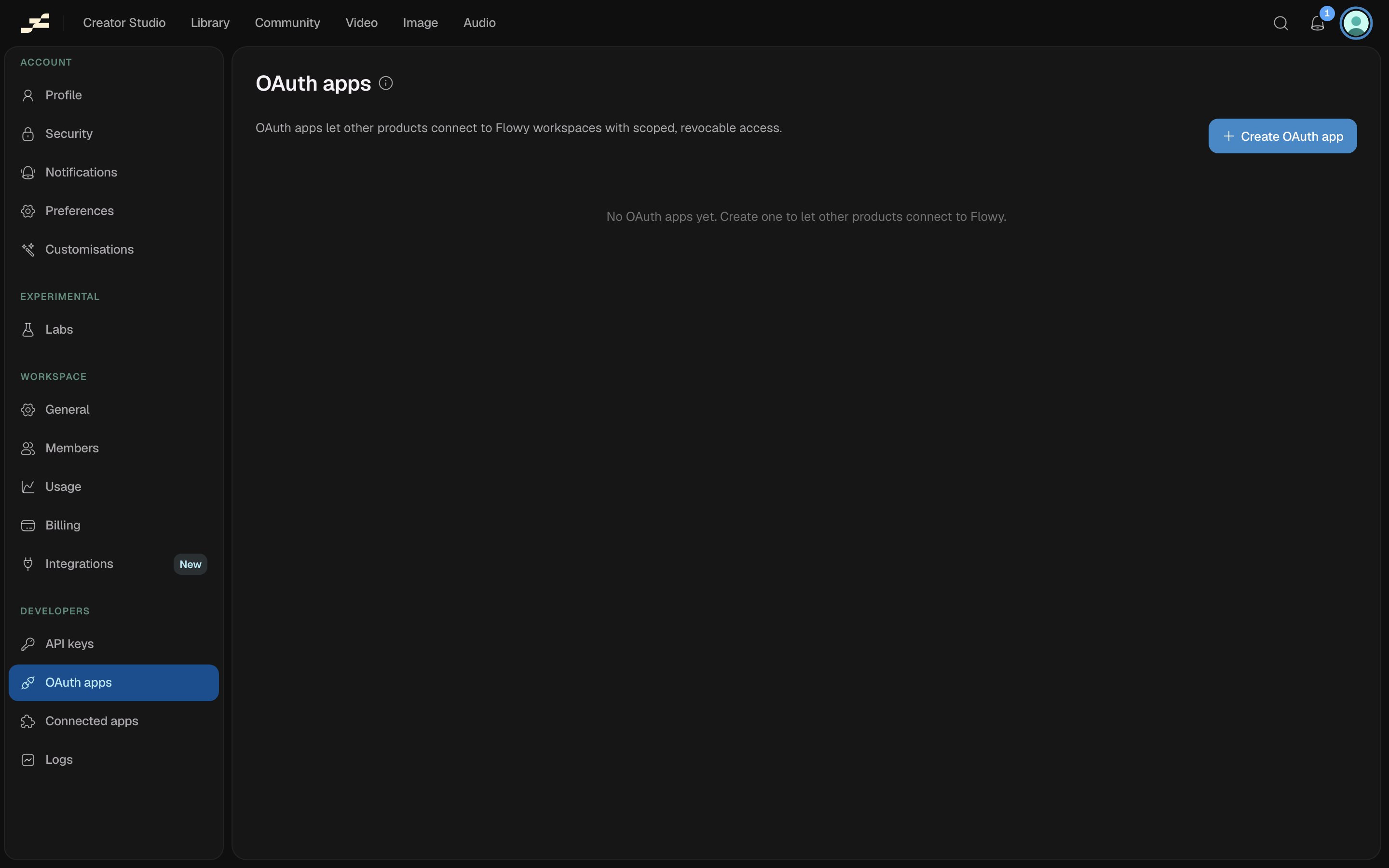
Create an app
Click Create OAuth app at/settings/oauth-apps/new and fill in:
- App details: name, description, website, and logo, all shown to users on the consent screen.
- Client type: Confidential (a server-side app; gets a client secret) or Public (PKCE) (a SPA, CLI, or native app; no secret). This can’t be changed after creation.
- Redirect URIs: where users are sent back after authorizing. HTTPS only, except
http://localhostfor local development. - Scopes: the most this app can ever request, grouped by resource (Flows, Runs, Generations, Assets, Credits, Elements). Users approve exactly the scopes you pick here when they connect.
Manage an app
Open an app from the list at/settings/oauth-apps/:appId to:
- Copy the client ID from the list or the app’s own page.
- Regenerate the secret: rotates a confidential app’s secret; the old one stops working immediately, so update every deployment before you rotate.
- Delete the app: permanent, and you’ll type to confirm.