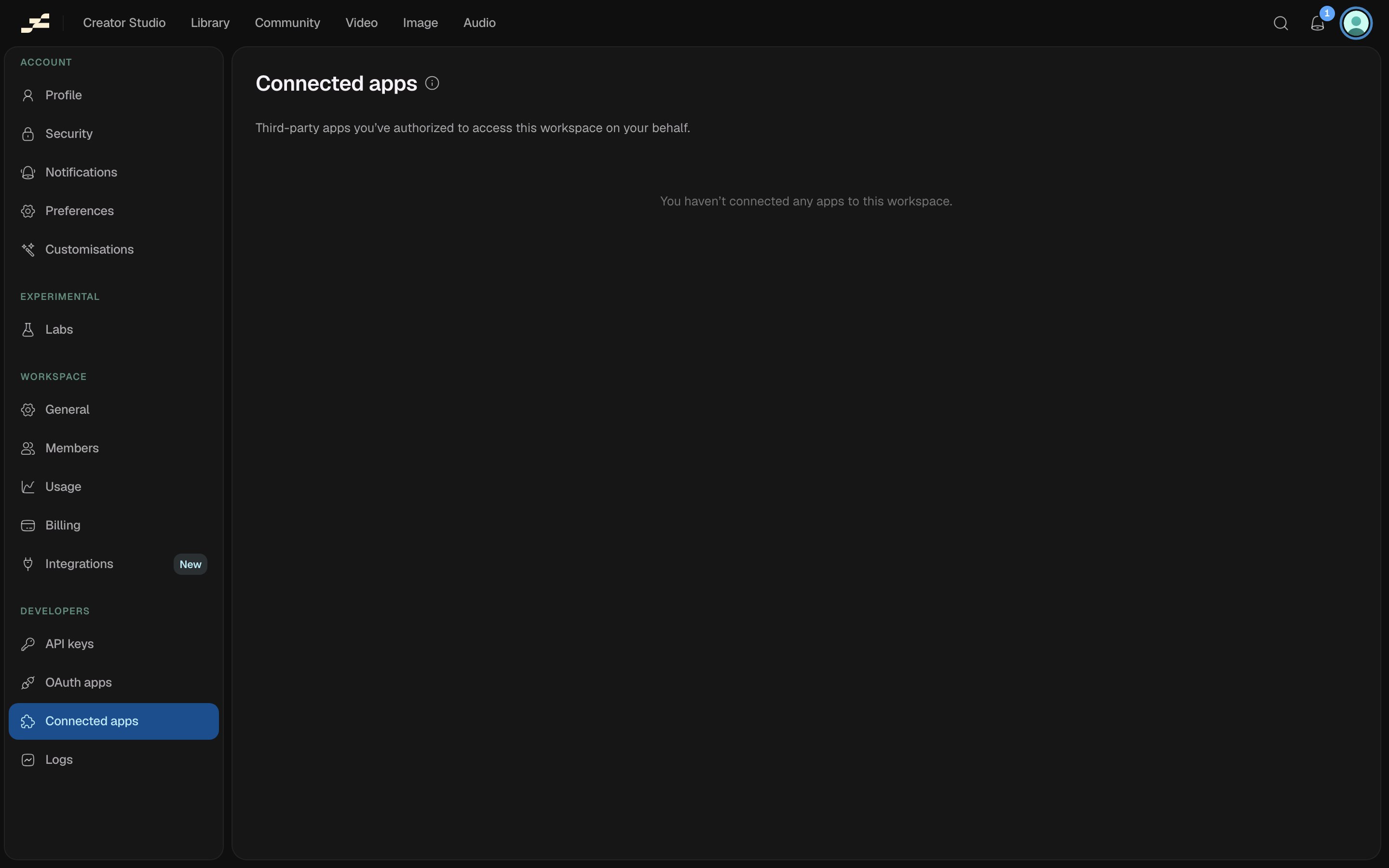
Find every third-party app you’ve personally authorized to access this workspace under Developers → Connected apps in the settings sidebar. This is about apps you connected via OAuth. See OAuth Apps if you’re building the app rather than using one, and OAuth for how the authorization flow works.
What’s shown
Each row lists:
- App: its name, logo, and a link to its website when it provides one.
- Access: the scopes it was granted, as badges (for example, Read runs or Start runs).
- Authorized: when you first connected it.
- Last used: the last time it made a request on your behalf, or “Never”.
Disconnect an app
Click Disconnect on a row and confirm. The app immediately loses access to this workspace and its tokens are revoked. Reconnect later by authorizing it again if you change your mind.
Disconnecting takes effect right away. Anything the app was actively doing on your behalf stops working immediately.